
Getting started
Undermine Squad runs right in your browser at undermine-squad.com/spielen. No account, nothing to install. It plays best on a computer with keyboard and mouse.
Your first round
Section titled “Your first round”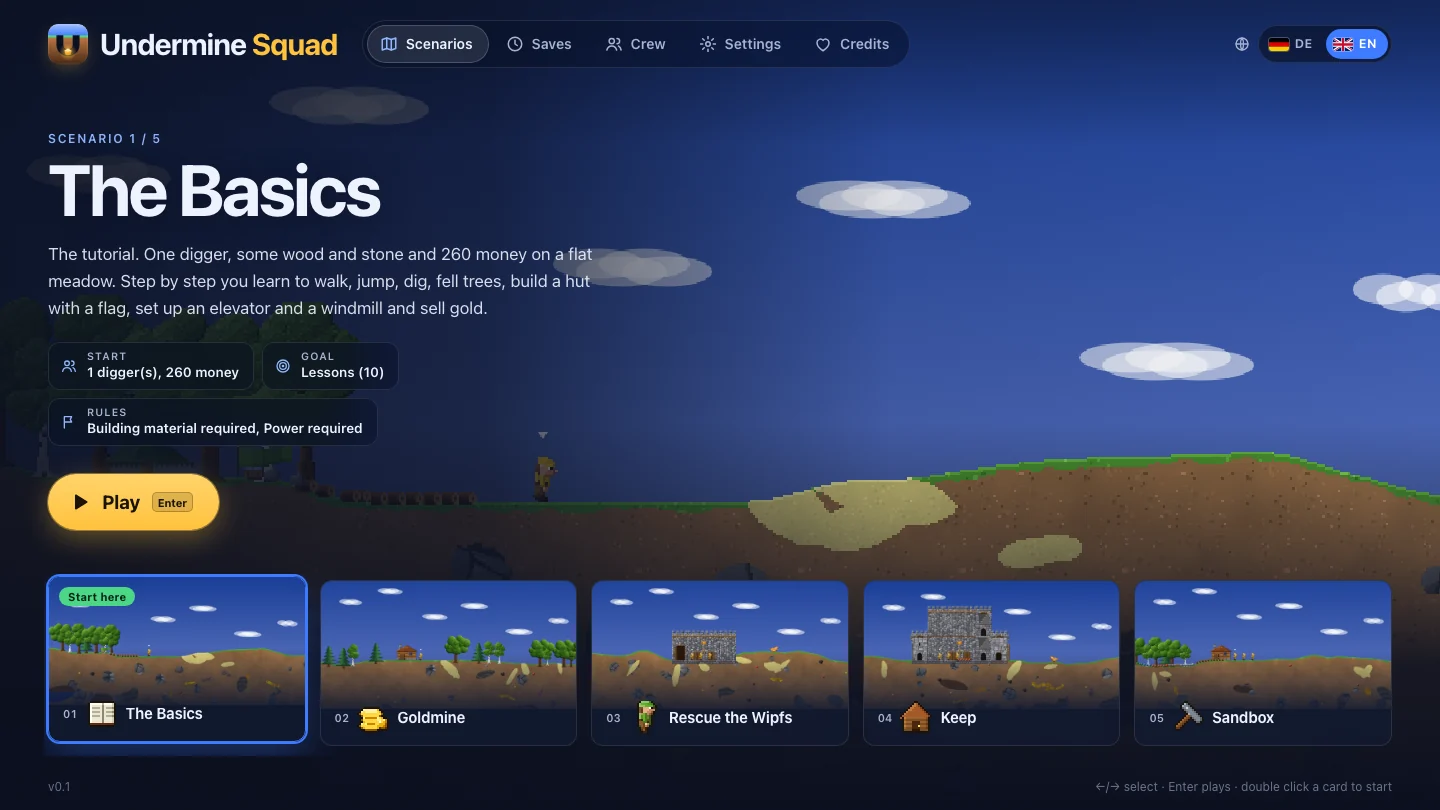
-
Open the game. The main menu lists the scenarios on the left and the start, goal and rules of the selected one on the right.
-
Pick “The Basics”. The tutorial walks you through everything in ten lessons: walk, jump, dig, chop trees, build a hut, raise the flag, elevator, windmill, sell gold.
-
Controls. You play with WASD or the arrow keys, E digs, Q throws. If you know Clonk from back then, switch to the original layout in the settings.
-
Go. Walk a bit, jump, and dig into the earth with E. Top right shows crew, material and money.
What you see on screen
Section titled “What you see on screen”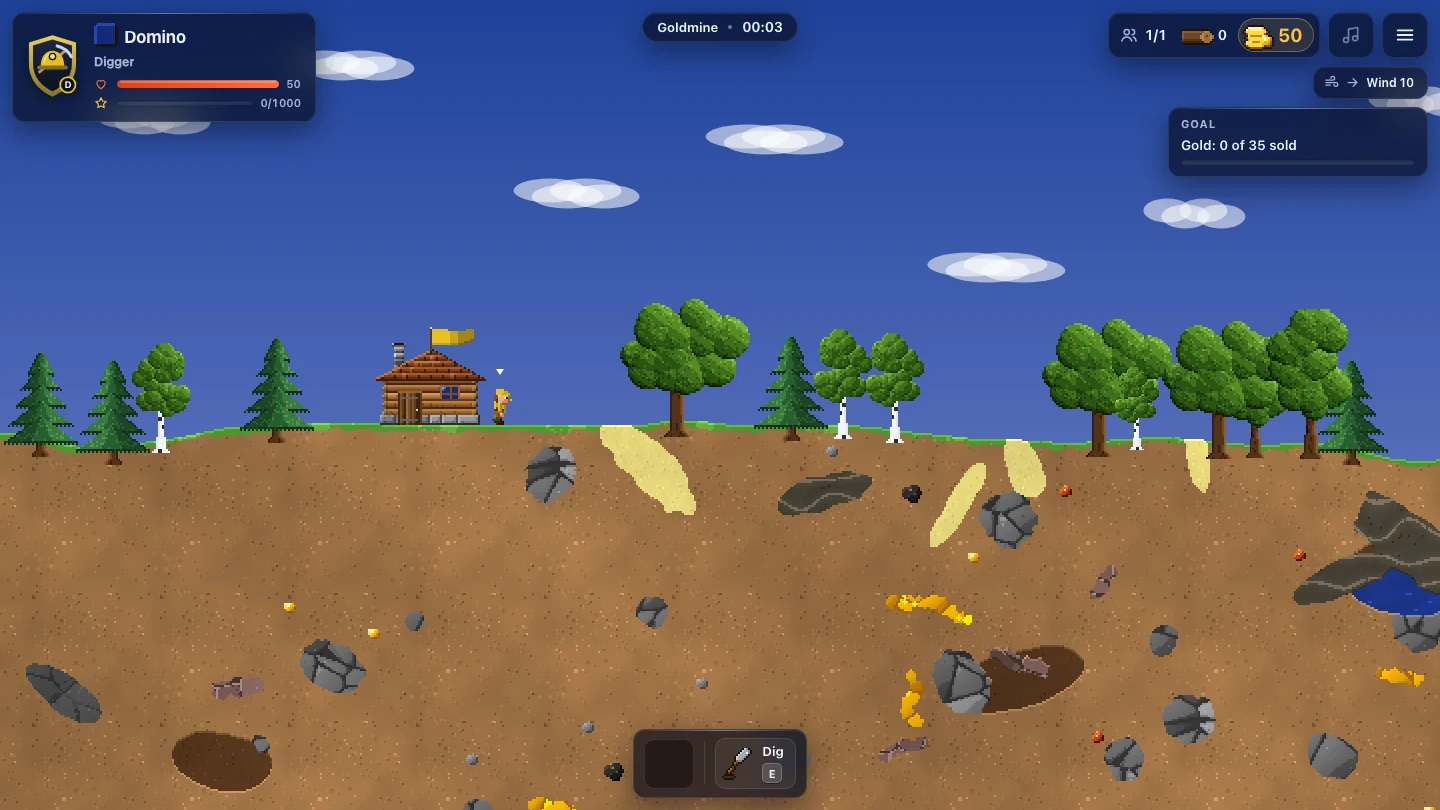
| Area | Content |
|---|---|
| Top left | crest, name, rank and energy of the selected digger, plus the crew bar |
| Top right | crew (e.g. 1/1), most important material and money |
| Goal display | progress of the goal, e.g. “Gold: 23 of 40 sold” |
| Playfield | the world in pixel art; a small arrow marks the selected digger |
Saving and continuing
Section titled “Saving and continuing”- Automatic: The running round is saved every 3 minutes and when you leave it (Pause → Main menu, closing the tab). In the main menu, Continue picks up the latest save. When you win, lose or end the round, its autosave is discarded.
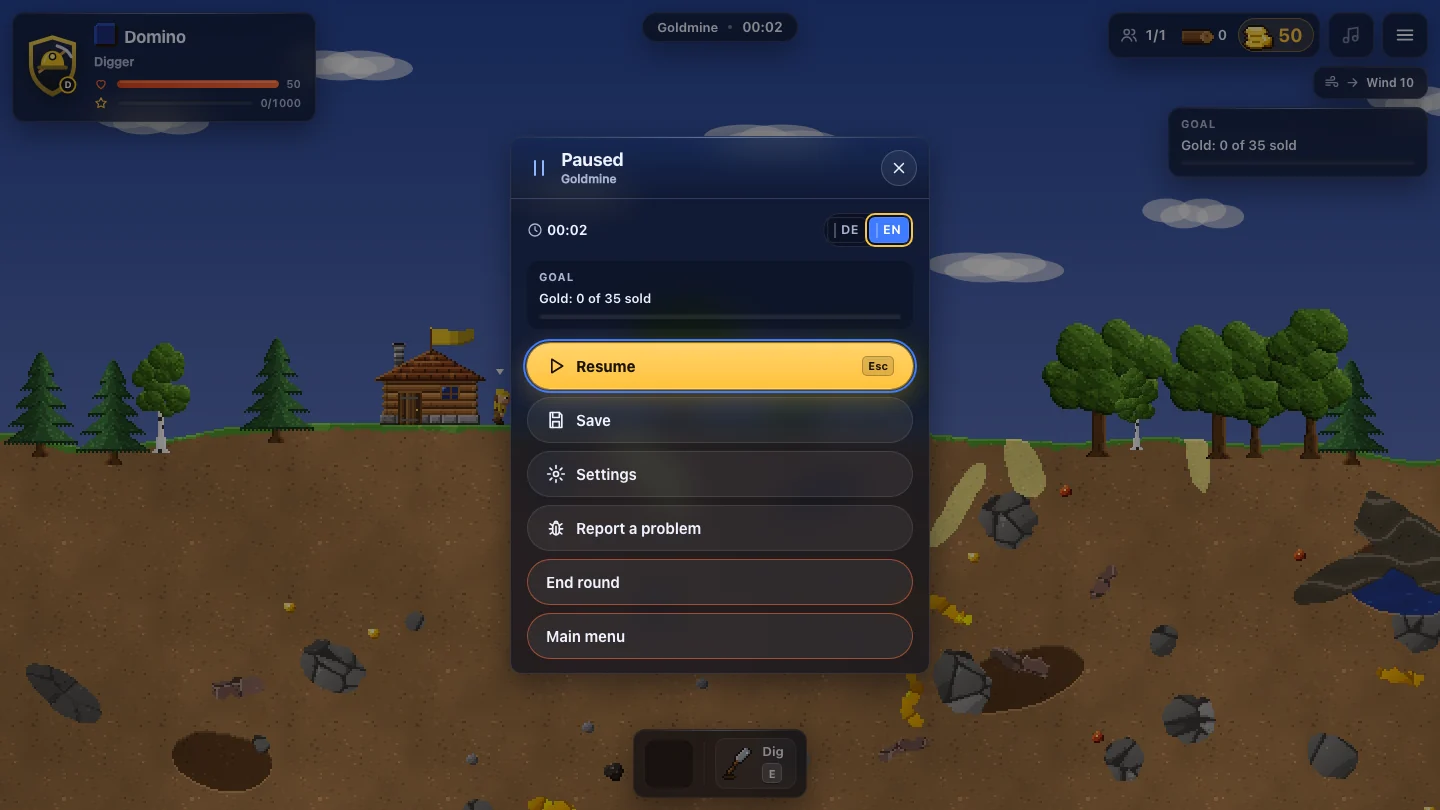
- Three slots of your own: In the pause menu Esc → Save pick slot 1 to 3. An occupied slot needs a second click to overwrite.
- Saves: This tab in the main menu lists all slots with preview, play time and date. Load or delete them there.
- Loading restores the round exactly as it was: landscape, buildings, diggers mid-action, base material, power, fire, enemies and goals.
What next?
Section titled “What next?”- Read the controls, especially the double keys.
- Then digging and blasting and the home base.
- After that try Goldmine, the classic settlement round.
Undermine Squad 0.1 · „Clonk“ is a registered trademark of Matthes Bender. Undermine Squad is an independent game.